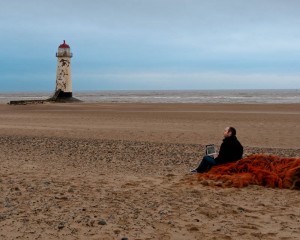
 An update on the Sea Idylls Composition Project 2012
v1.1 of the video template is now available. The format and structure remains unchanged but the video track now includes some moving images amongst the sequence of stills.
To use the updated video template in your noteflight composition, you need to delete the current video from your score, then copy and paste the new template URL ” http://youtu.be/hQd0TtVF38w ” as a video track on your sea idylls score.
I am really pleased with the amount of effort going into the current composition project. There are 31 scores currently in progress, many are nearly finished and will soon be ready to record the audio and render the final videos.
 Starting this coming week, I will be incorporating listening activities into the curriculum I teach in piano lessons. The listening material will be available through an evernote shared folder which students can access on their iPods/iPads etc. Visit the folder link above on the device and it should open the link in Evernote and give the option to link to your evernote account so that it is always easily accessible within the app. Listening for the rest of the term will be around the nautical theme to fit around the Sea Idylls project and thereafter will be tied in with the theme of study/composition project for the term.